Make A Payment
Iowa Lakes Regional Water wants to provide you a bill payment process as convenient as possible for you as a member. Our billing includes a monthly minimum, usage based on per thousand gallons, tax (when required), and the optional water service line protection plan.
Methods of payment include:
Mail
Address payment envelope to:
Iowa Lakes Regional Water
P.O. Box 555
Spencer, IA 51301.
No late fee will apply if the envelope is postmarked on or before your due date.
Automatic Withdraw
ILRW offers a program that allows customers to automatically have their monthly water bill taken out of their banking account of choice.
Customers can sign-up for this service through ILRW by filling out a form.
You can also fill out the PDF form below and submit the form along with a voided check to Iowa Lakes Regional Water, Attention: Member Services by email: member.services@ilrw.org, mail: ILRW, PO Box 555, Spencer, IA 51301, fax: 712-262-8241, or deliver these completed items to the office. Please allow at least 30 days for AUTO PAY to be processed and activated on your account. Your monthly statement will show AUTO PAY when complete.
Auto Bank Payment Sign Up Form (PDF)
Stop by ILRW's Office or Place Payment in Drop Box
Stop at ILRW's office to make your payment. Office hours are Monday through Friday, 8 a.m. to 4 p.m. We are located at 1301 38th Avenue West, Spencer, Iowa (in the West Industrial Park). Directions to our office are shown on the Contact Us page.
After office hours, ILRW now provides a convenient outside designated payment drop box near the flag pole. Payments left overnight are retrieved by ILRW staff at 8 a.m. in the morning and will be stamped with the previous day's date.
https://iowalakeswateria.ourcommunityconnect.com/
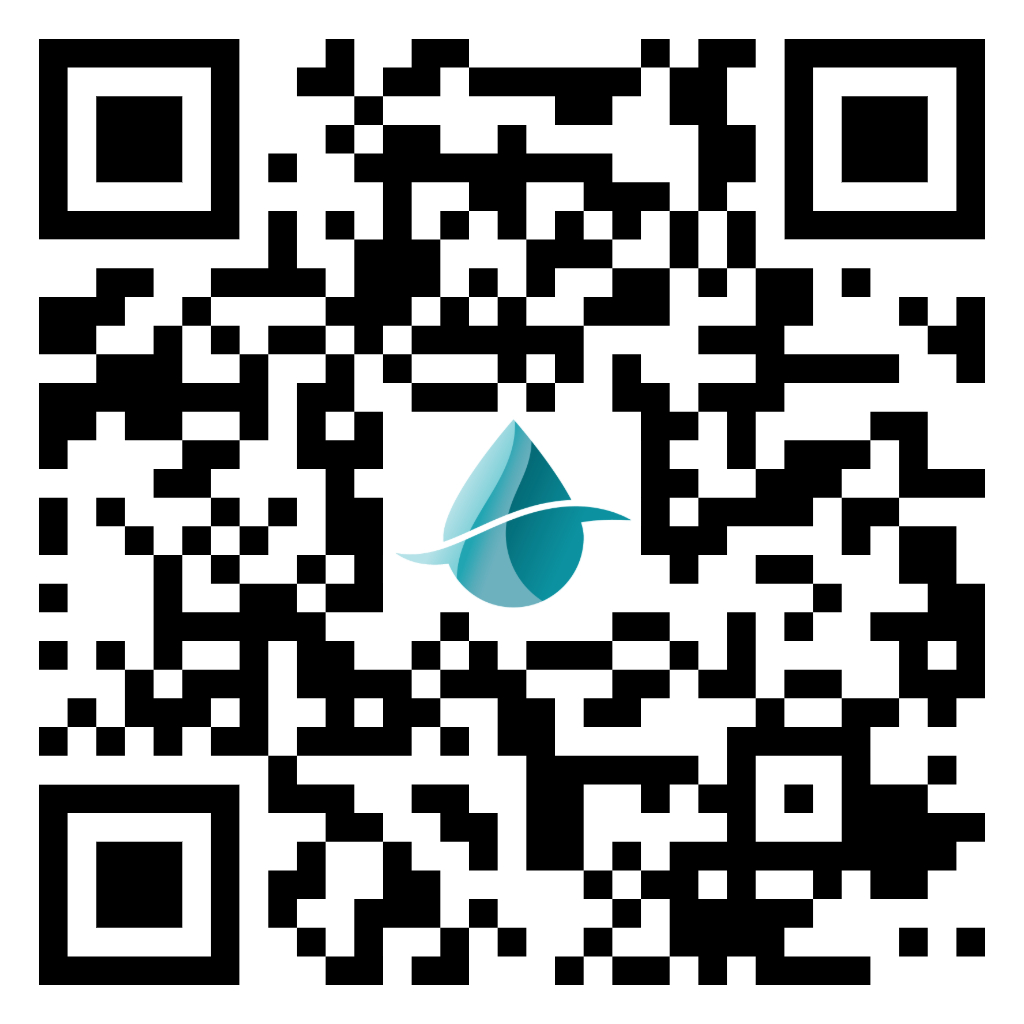
With Citizen Portal, ILRW's online payment service, Customers can:
- View bill(s) and account history
- Receive text/email notifications
- Download the app for easy access to view your bills and make payments
- Pay bill(s) 24/7 and see the activity immediately reflected on your account(s)
- Sign-up for automatic debit (ACH): Select date of payment each month
Existing customers utilizing automatic debit through ILRW will automatically see the auto pay is already in place. You can setup Citizen Portal if you want to view your bill and submit payment.
ZIFT, the payment transaction service provider through Citizen Portal, does charge a convenience fee for payment processing when using credit, debit, or electronic check. The fee for electronic check processing is $1.49 and for credit or debit cards the charge is 3.5% or $2.00 minimum. Customers who pay by ACH through ILRW directly do NOT have any convenience fees that apply for the processing.
Citizen Portal Instructions
First-Time Users
1. Go to https://iowalakeswateria.ourcommunityconnect.com/
2. Click on the Create Your Account button located in bottom left corner.
3. Enter in your information to create your Community Connect account. You will need:
- E-mail address
- Create a Secure Password
- Click on "I'm not a Robot"
- Complete the short registration form, then Click "Next"
- Go to your E-mail Inbox to receive the verification email and click "Verify Email", then "Continue"
- Select your billing organization (Iowa Lakes Regional Water) and follow the prompts for linking your bill. You can add other billing accounts later if you have more than one, as well as view/pay your bill online or set up a recurring auto payment schedule.
4. Once you are logged in, you can view your bill and pay your bill(s). If you have questions, use the help (?) buttons or contact ILRW at 712-262-8847 and ask to speak with someone in Accounts Receivables for help with Citizen Portal. |
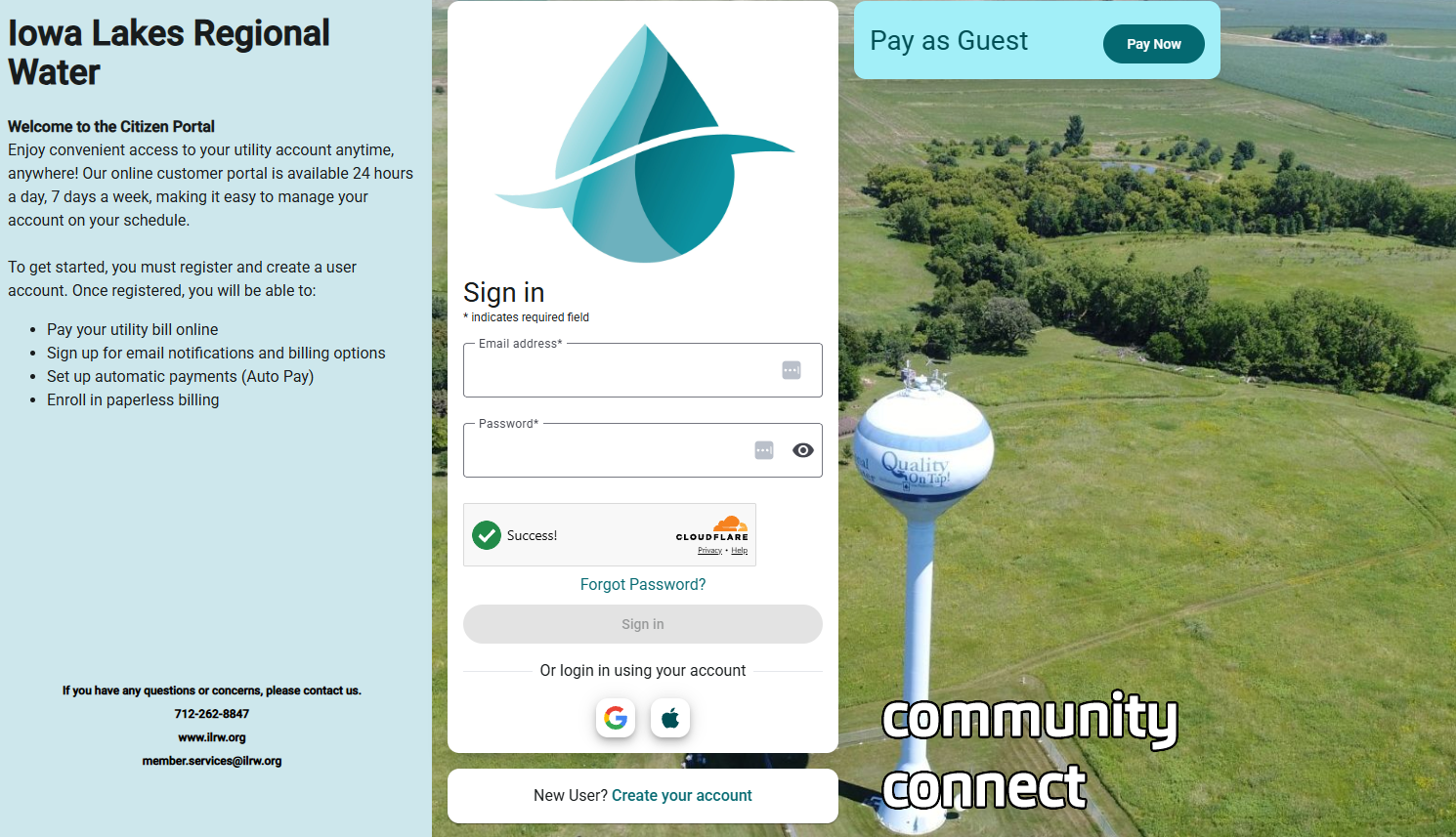
User Login
1. Go to https://iowalakeswateria.ourcommunityconnect.com/
2. Enter your e-mail address, password and click "I'm not a robot".
3. Click on Log In.
4. View and pay your bill(s)
|
For pdf /printable version of these instructions, click here.
Call ILRW Member Services Direct
Member Services Personnel are now able to take your payment over the phone:
Business Days: Monday through Friday
Between 8 AM to 4 PM
(712) 262-8847
Payment Options Available: Credit Card, Debit Card and E-check
Please have your account number available prior to calling the office.
|


